понедельник, 18 июля 2016 г.

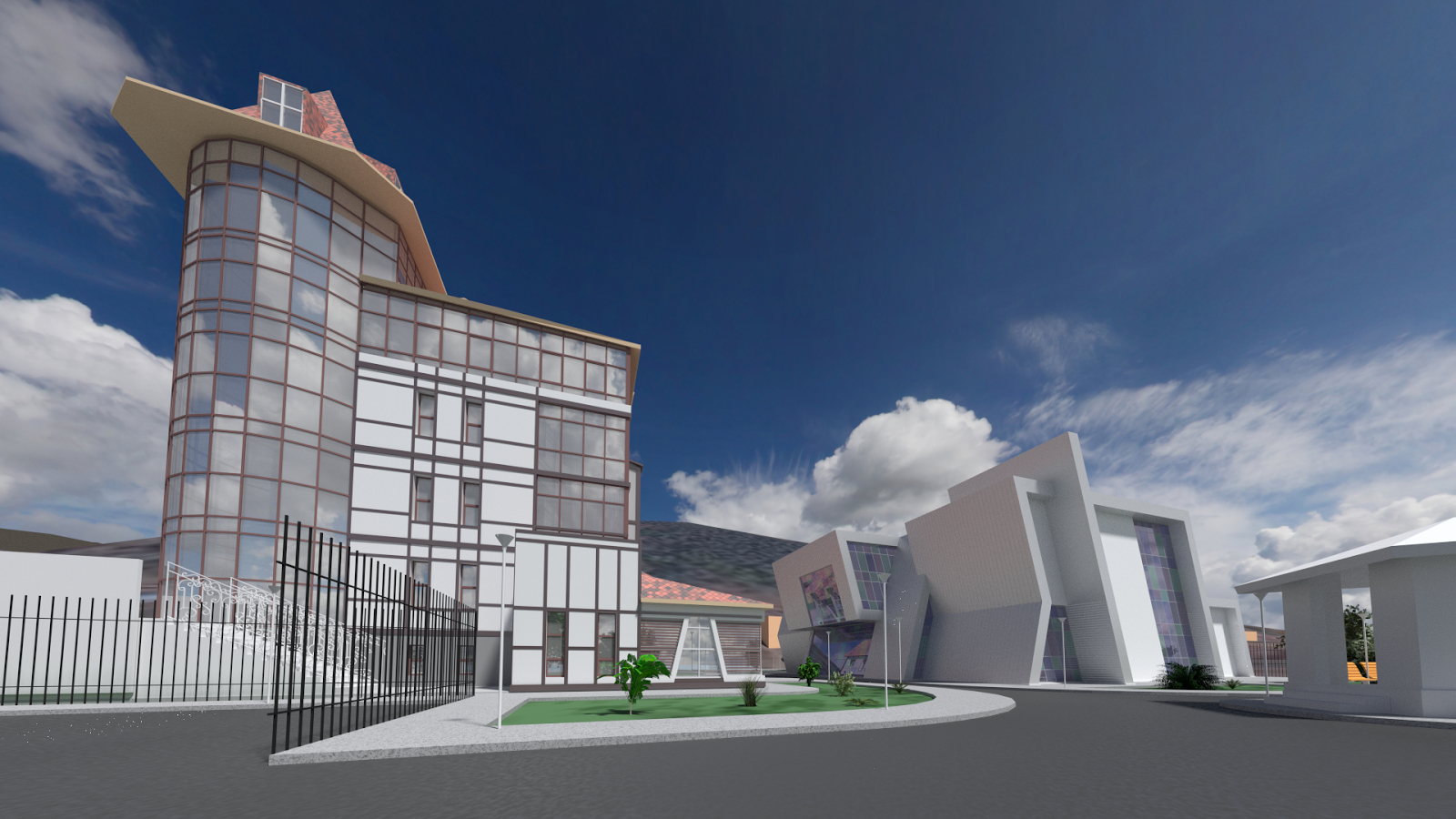
Conference hall

Project of the conference hall in Russia, Irkutsk oblast, Listvyanka.
Done in June, 2014.
Modelled in Blender, rendered in Cycles.
Modeling was done alongside with drafting.
Surrounding lowpoly buildings are imported using ArchoPlanet (Blender add-on) developed by myself: github.com/snovvfall/ArchoPlanet
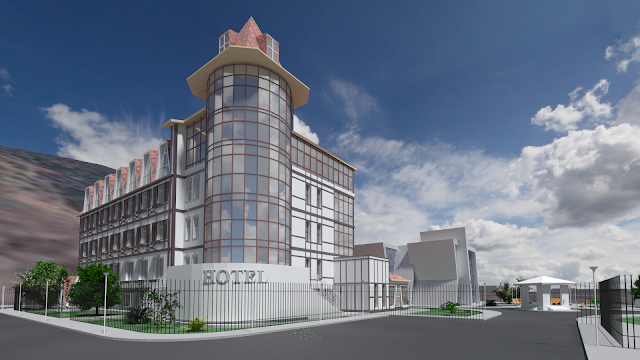
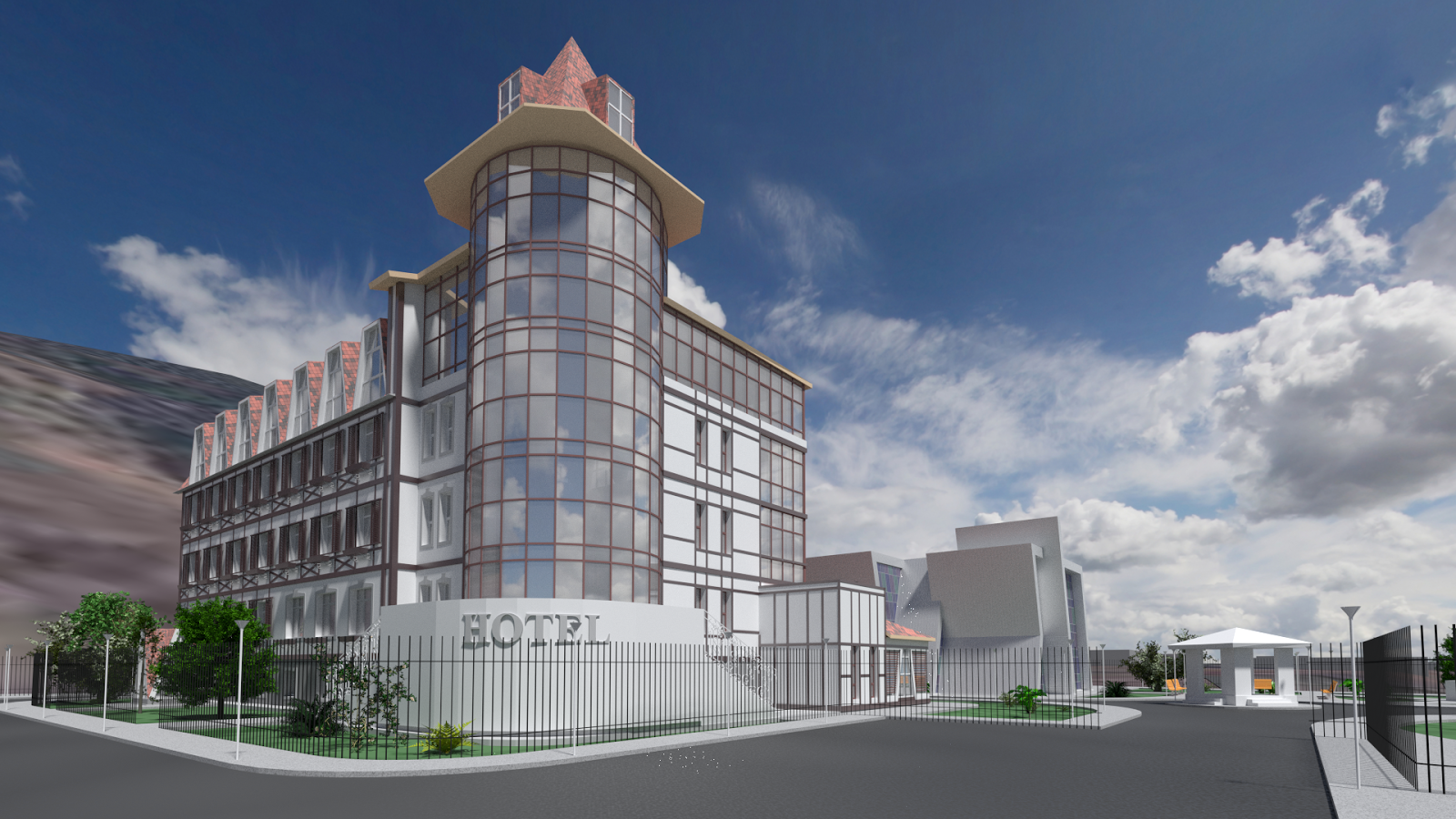
Hotel nearby was modelled by my colleague.


пятница, 13 февраля 2015 г.

Apartments house

Visualisation of apartment complex in Russia, Irkutsk.
Done in March, 2014.
Modelled in Blender, rendered in Cycles.
Model was built based on the drawings while the constructuion was in progress.
Surrounding lowpoly buildings are imported using ArchoPlanet (Blender add-on) developed by your humble servant (me). github.com/snovvfall/ArchoPlanet


Buildings are almost complete, but are not on the Google Street View yet:


The complex is located in Russia, Irkutsk:
https://www.openstreetmap.org/#map=18/52.31200/104.30300


Website images were made for:
http://www.uspensky38.ru/
It is russian, so good luck surfing it. You can buy a flat there if you want.


суббота, 24 января 2015 г.

ArchoPlanet - Architectural project for urban visualisation and analysis

ArchoPlanet

Main page:
https://github.com/snovvfall/ArchoPlanet


ArchoPlanet is based on:
Blender - 3D modelling tool
Openstreetmap.org - cartographic data
NASA SRTM - topographic data

ArchoPlanet allows you to view map data and landscape in 3D


Buildings, roads and other objects are viewed depending on their parameters
More urban analysis and other features are to be implemented in the future

 
You can use data from ArchoPlanet to insert your own new objects into existing environment


How to use:
1) Download and unpack the folder somewhere:
https://github.com/snovvfall/ArchoPlanet/archive/master.zip

2) Download and install Blender if you don't have it yet
Official website is blender.org

3) Launch ArchoPlanet.blend

4) In the bottom half of the window you will see a text with parameters you can tweak
It you want to use 'Srtm' or 'Osm and Srtm' mode you need to download file with desired coordinates from here: http://dds.cr.usgs.gov/srtm/version2_1/SRTM3/

5) Hit "Run script" button located just above the parameters, usually near the center of the screen
The process may require several minutes

6) If you used 'Srtm' or 'Osm and Srtm' mode you will likely see big strange objects after the process finishes, remove them
This problem will be fixed in the future
If you are new to Blender, hover the mouse somewhere over top half of the window
Press mouse wheel and move the mouse to rotate view
Press mouse wheel and Shift to pan the view
Press 'Z' keyboard button to see through all objects
Press 'A' until orange color is gone to deselect all objects
Press 'B', press left mouse button, move rectangle so it covers strange big objects and hit left mouse button again to select them
Press Delete or 'X' to remove selected objects

For developers:
To run it in the console under Linux or MacOS X you may need to go to ArchoPlanet directory with 'cd' command and launch the main file,
for example: cd /home/username/ArchoPlanet && blender ./ArchoPlanet.blend

пятница, 2 января 2015 г.

Sports center

"Work In Progress" project of sports centre and swimming pool located in Russia, Irkutsk.

Google Maps location:
https://www.google.com/maps/@52.2287541,104.3142293,1311m/data=!3m1!1e3

Project is done as part of my final diploma work at the university.

General tool used - Blender.

Rendering engine - Cycles.

Parametric modelling - Sverchok - add-on for Blender.
nikitron.cc.ua
github.com/nortikin/sverchok

North view:

вторник, 18 ноября 2014 г.

Apartments - Russia, Irkutsk, Topkinskiy district

These are planned to be built somewhere here:
https://www.google.com/maps/@52.3247844,104.3128396,770m/data=!3m1!1e3


вторник, 11 ноября 2014 г.

суббота, 8 ноября 2014 г.

четверг, 6 ноября 2014 г.

Android, Ligntning Launcher

My homescreen with Lightning Launcher. Unfortunately, developer removed free version, so I still use what was installed long ago. Changed the style many times, went through switching between multiple screens, vertical scrolling, Windows Phone tiles and other ideas. Now there is only one screen, no scrolling, and a mix of rectangular apps and widgets.

Positions and sizes of all elements can be set to be different on portrait and landscape mode.


List of apps, widgets and links:
WPS Office's file (link)
OSMTracker
Clock (stock widget)
Bright Weather (widget, opens Google News & Weather)
2GIS
Yandex.Traffic (widget)
OsmAnd
Google Maps
Rocket Player (widget)
SoundCloud
Feedly
Google+
Facebook
Blogger
Youtube
Adobe Reader
DW Contacts
Dialer (stock app)
Hangouts
Skype
VK (russian social network)
GMail
Settings
Google Play
Dr. Tariff (widget)
Firefox
Calculator++
Google Translate
Google Camera
Syncthing
Dropbox
Google Chrome
ES File Manager
Jota+ Text Editor
All other apps (link)

It required quite much time to configure and tweak position of elements, sometimes pixel by pixel, but it was worth it.

ArchoSverchok update

I forgot to mention previous time that beams are already implemented. Now I added generated floors, boolean objects for doors and vitreous windows. Vitreous windows also have glass filling and vertical casement.


You can modify the shape of initial simple objects and parameters regulating how resulting complex objects will be generated.


I will soon add more complicated doors and usual small windows and, if I find the way to do it, horizontal casement for them.

Here is the file with all the stuff related to this project:

https://drive.google.com/file/d/0B3S8JZs3SIP4SkxwRlNIQlp5MHM/view?usp=sharing

ArchoSverchok - parametric architectural modelling

I'm working on automation of architectural modelling with Blender and Sverchok. Currently basic columns, walls and holes for windows can be made from user created lines and parameters, so less work will be required to achieve the same result and to apply multiple changes quicker.


Note that columns are bent with appropriate angles if necessary, walls can have offset, most sizes can be modified.


See the example screenshots and blend file:
https://drive.google.com/file/d/0B3S8JZs3SIP4RGFIeHlWMXZ2dzA/view?usp=sharing


More updates will follow soon, for example, with complicated window casement modelling with ArchoSverchok, as that's how this project is called.

Duplex - second house I modelled at work

Done by myself at work in July, 2013.


понедельник, 3 ноября 2014 г.

Cottage - One of my oldest Blender models and renders

Cottage

One of my first projects at work and my first serious Blender model.


WIP animation. I moved to cycles in the process, so third picture looks really creepy.

воскресенье, 19 октября 2014 г.

ArchoBenchmark - Blender Cycles render time tests

ArchoBenchmark

Overview

Blender - 3D software
Cycles - unbiased rendering engine for Blender

Files

Results

Test1.blend

Test2.blend

Inspiration

Mike Pan's benchmark

Andrew Price's article

CPU

Intel Core 2 Duo T6400
Intel Core 2 Duo E6550
Intel i5-3317U
Intel i7-2400K
Intel i7-3770
Intel i7-4700HQ
AMT 1090T

GPU

NVidia 550Ti
NVidia 680MX
NVidia 850M

Charts

Test 1 scene
Floors, columns and roof - diffuse BSDF
Glass - mix of diffuse, glossy and transparent BSDF shaders
Lamps - emission BSDF, meshes 12 polygons each


Numbers on top - samples. 8x8, 16x16, 32x32,64x64, 128x128, 256x256, 512x512, 1920x1080. Times on top of chart's elements mean minutes:seconds and sometimes hours:minutes:seconds.
Smaller sample sizes lire 8, 16 amd 32 are totally unacceptable for GPUs. Each tile will be rendered very fast, but switching to another tile requires some time too, and these results in terrible render times. Note: robust GPUs suffer even more from such thing.
Overall, GPUs are more effective with big 256 and sometimes 512 tile sizes, while CPUs prefer smaller 16 and 32. But some CPUs show better results with 64 and 128.

Test 2 scene
Made by Mike Pan


Results for 1920x1080 are copied from tests without progressive refine, as render will go the same way - each sample will render the entire image. 1920 sample appears to be useless for CPU. It will be unable to use all of its cores as one sample can be rendered by only one core, therefore render time increases significantly.


For now, Linux and Mac OS X have better render times in comparison to Windows 7 or 8, while tested on the same computer, same file, same render settings and same Blender version.

Progressive refine is obviously slower, because processor needs to switch tiles more, but is useful when the user needs to see the whole image or when it can be necessary to stop render at any time and get a complete picture.

While second test scene is more complex than first, render times increase respectfully for each processor, but dynamics shows that GPUs become more powerful on complex scenes.


Bonus:
Colour and height of chart's element depends on time divided into number samples. More samples means more time, but the dynamics is non-linear, and rendering more samples is more effective. Thus, for example, rendering with 10% more samples will increase render time less than 10%, and on low number of samples this difference can be crucial

Make your contribution

Download files from links in the beginning of this article, send me the results to snowfall.irk@gmail.com, and see your data added to this article and to these charts.